NOTE: Due to continuous development, the menus displayed on the website may differ slightly from those in the applications.
The View menu of STACS is shown below.
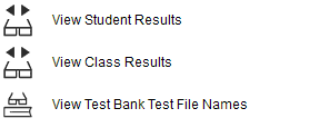
View Student Results: This displays an individual student’s test results in grid form. You will be prompted to select teacher, class and student. If you wish, you can use the Windows Snipping Tool to take a snapshot of this for quick printing.
View Class Results: This displays test results for a class in grid form. You will be prompted to select teacher and class. If you wish, you can use the Windows Snipping Tool to take a snapshot of this for quick printing.
View Test Bank Test File Names: This option allows you to view the names of the test files in a Teacher/Class test bank. You will be prompted to select teacher and class. If you wish, you can use the Windows Snipping Tool to take a snapshot of this for quick printing.
 STACS student testing